Category: Media

19 posts

Standard

Support for MediaSeal

If your company is currently using MediaSeal to encrypt your post-production media assets, rest assured, both InqScribe Mac and Windows have been whitelisted. Just enter your password as usual and InqScribe should have no problems playing your media. If you have used MediaSeal previously, you may find that you need to reboot to force MediaSeal…

Read more
Image

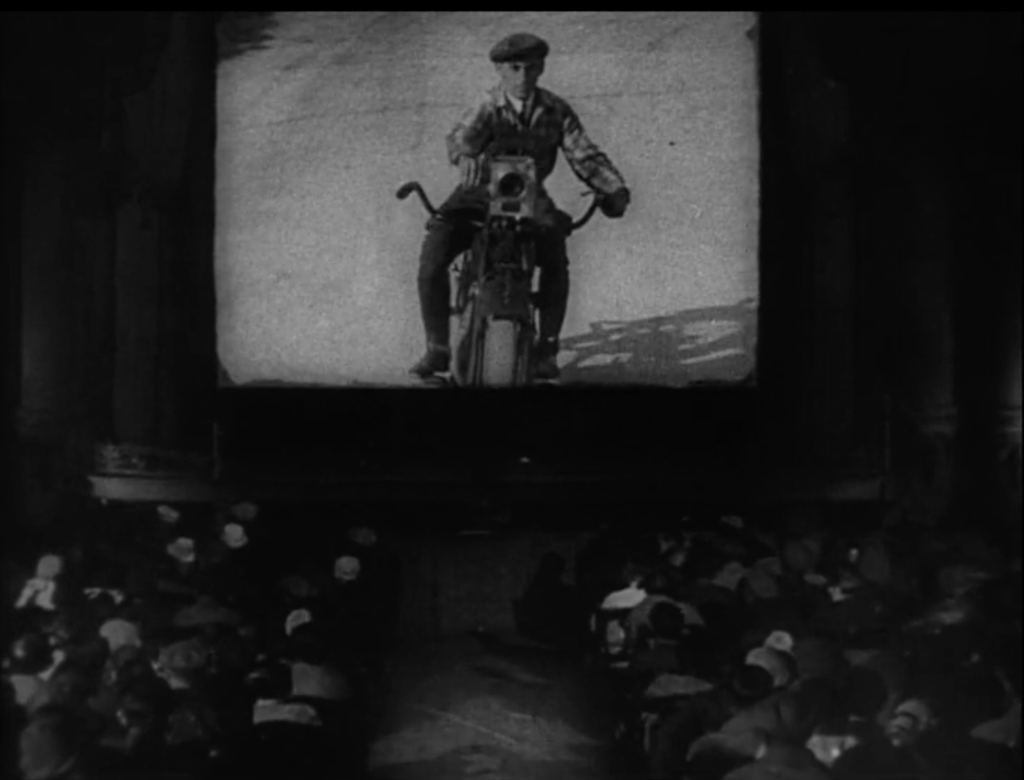
Guest Blog: Translating Russian Cinema with InqScribe

Kino Klassika uses InqScribe to bring Russian film culture to new audiences. By: Olga Doletskaya, Season Manager at Kino Klassika Founded in 2015, Kino Klassika Foundation is the only independent organisation in the world dedicated to cinema from Russia, the Caucasus, and Central Asia. We create programs of restorations, publications, art commissions, and events to…

View photo

Windows QuickTime Vulnerabilities

By now, you may have heard about the security vulnerabilities posed by QuickTime for Windows.  Given the security vulnerabilities, if you’re a Windows user, we highly recommend uninstalling QuickTime. What does this mean for Windows InqScribe users? You will still be able to play and transcribe most media that Windows Media Player supports.  For more…

Read more

How to Convert an Audio File

Have you ever come across an audio file that won’t play in InqScribe? Although InqScribe supports a wide variety of formats (generally anything that will play in QuickTime 7 or Windows Media player 11), one day you may run into an audio file that won’t play correctly. If this happens, don’t panic, you can usually…

Read more

What is a Codec Anyway?

If you work at all with digital video, you’re bound to run into issues of media compatibility. What makes a video incompatible? Will it work in InqScribe? It’s a complicated subject. In this post, we’ll explain a few key terms that should help you understand how digital video works (and sometimes, how it doesn’t work). Codec…

Read more

Video Conversion Tools

Sometimes you go to transcribe your video in InqScribe only to find that InqScribe won’t play that video type. InqScribe relies on the QuickTime 7 or Windows Media Player 11 specs for media playback, and is able to play most anything that can be played in those players. But if your media is not supported…

Read more

Comparison: InqScribe vs. Express Scribe

At InqScribe, we strive to create the best, most reliable transcription software. But, as some of you are aware, we aren’t the only ones on the market. You may even use a combination of other transcription tools alongside InqScribe in your line of work. To help clarify and distinguish InqScribe from the competition, we thought…

Read more

Guest Blog: Using InqScribe to Record the Wabanaki Experience

Many nonprofits use InqScribe to help transcribe interviews and spread their message. In this guest blog, Rachel George explains how she came across InqScribe through her work with the Maine Wabanaki-State Child Welfare TRC. By: Rachel George, Research Coordinator The Maine Wabanaki-State Child Welfare Truth and Reconciliation Commission is charged with clarifying the experiences of Wabanaki…

Read more